
Field Report · Linux · Desktop Agents
I Spent Three Weeks Getting AutoClaw to Run on Fedora
It works. That is precisely the problem — and here is the measured case for why I would tell you not to do it.
There is a particular kind of engineering satisfaction in making software run where it was never meant to run. AutoClaw, the desktop client Z.ai ships for Windows and macOS, now runs on my Fedora 44 laptop under Wine, with its OpenClaw gateway running natively on Linux rather than inside the bottle. It launches, it answers, it reads documents, it speaks its replies aloud. By any reasonable definition, it works.
I am going to spend the rest of this article explaining why you probably should not do it. The reason is not that it is hard — hard is fine. The reason is that what you get at the end is not the thing you wanted, and the gap between them is not a matter of polish. It is structural, and I have the measurements.
In this report
- What I was actually after
- The scaffolding you have to write yourself
- Three measurements that ended the project
- Why you still cannot talk to it
- On Windows, stated flatly
- What I would recommend instead
What I was actually after
I wanted a personal assistant. Not a chat window I type into, which I already have in a dozen forms, but something closer to a secretary: I speak, it acts. Open this document. Summarise that thread. Pull the figures out of this report and put them in a spreadsheet. The value of such a thing lives almost entirely in the absence of a keyboard — if I have to type, I may as well use any language model in a browser tab and spare myself the trouble.
That framing matters, because it determines what counts as success. A system that transcribes my voice into a text box and then waits for me to press Enter has not solved the problem; it has merely moved it.
The scaffolding you have to write yourself
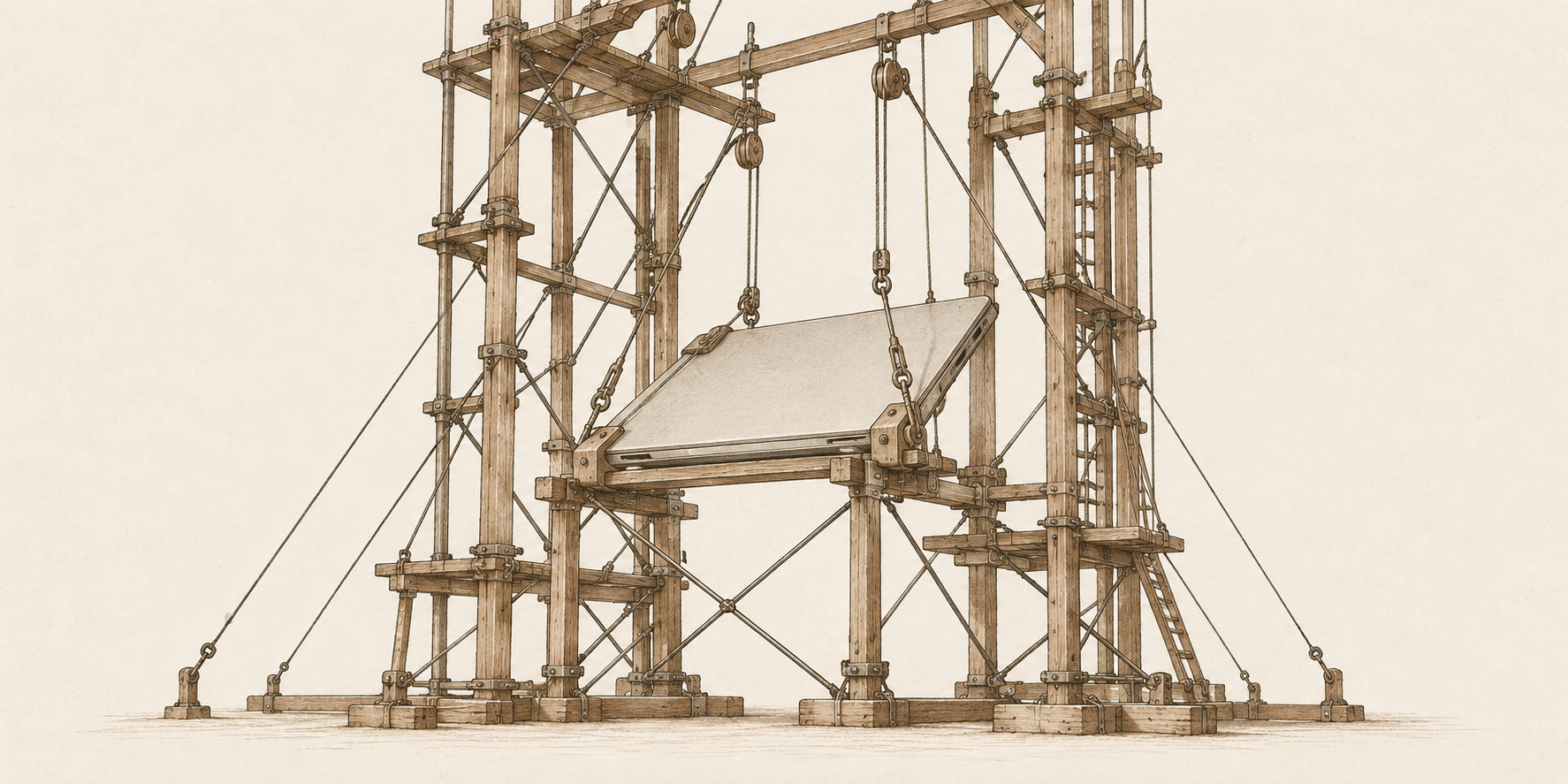
AutoClaw on Linux is not an installation. It is a construction project. What follows is the scaffolding I ended up writing and maintaining, none of which ships with the product.
A native gateway. Running the Node gateway inside Wine is slower and less stable than running it on Linux and pointing the window at it — which means convincing the window to adopt an external gateway it did not launch.
A port fence. A service that holds ports 18790–18799 so the client cannot quietly start its own gateway and ignore the one you meant it to use.
A configuration synchroniser. The Windows-side client writes Windows paths into its config file and the Linux-side gateway cannot read them. It runs on a path watcher, because the client rewrites that file roughly hourly when it renews credentials.
An idle-stop timer. Nothing shuts the gateway down when you close the window, and it holds some 300 MB resident indefinitely.
A voice player. The gateway synthesises the spoken reply correctly and the window under Wine simply never plays it. A service has to watch the outbound media directory and hand each file to pw-play. Without it the feature exists and produces silence.
A dictation server. The client has no microphone input at all — no getUserMedia, no MediaRecorder, no SpeechRecognition anywhere in its renderer. Voice input cannot live inside AutoClaw; it has to be a separate program that transcribes and pastes into whichever window holds focus.
On top of that, two patches against the client’s own bundle. One fixes a genuine bug: the page-range parser silently discarded every page past the per-call limit of sixty, so an eighty-page PDF was a document whose last twenty pages could not be reached, with no error to say so. And one workaround for the updater, which downloads a 389 MB installer on a loop and then fails to verify its signature, because verification calls PowerShell and Wine has none. The fix is to point the update channel at a name the server does not recognise, so it answers 404 and the client reads that as nothing new.
Every one of those pieces works. I am not complaining that they were difficult; I am pointing out that you are the one who writes them, and you are the one who keeps them working when the client updates.
Three measurements that ended the project
Everything above is labour, and labour is a price — prices can be worth paying. What follows is not a price. It is a wall.
| What was measured | Result |
|---|---|
| Median transcription time | 2.19 s |
| Word error rate, median / worst | 7.1 % / 13.6 % |
| Transcriptions before thermal abort | 10 of 204 |
| Time to reach that abort | 2 min 28 s |
| GPU junction at abort | 100 °C (critical) |
| GPU draw / CPU at the same moment | 161 W / 96 °C |
| Boots during the 18 Sept. crash cycle | 5 in 18 min |
Latency
My dictation runs Whisper locally on the GPU, which is the fast configuration. Across a controlled run the median wall-clock time per transcription was 2.19 seconds, with a median word error rate of 7.1 percent and a worst case of 13.6 percent. Two and a fifth seconds does not sound like much written down; in use it is a wall you hit on every sentence. You speak, you stop, you wait, the text appears, you correct one word in fourteen, and then you reach for the keyboard anyway. The rhythm that would make dictation faster than typing never establishes itself.
Heat
I ran a pre-registered test designed to push 204 consecutive transcriptions through the GPU, with a hard abort at the thermal limit. It aborted at transcription number ten, two minutes and twenty-eight seconds in, with the GPU junction at its 100 °C critical drawing 161 W, while the CPU sat at 96 °C at the same moment. A single cold dictation reaches 91 °C on its own. This is a Radeon RX 6800M in a laptop — a perfectly respectable card in a perfectly ordinary thermal envelope. Ten dictations is not a stress test. Ten dictations is a phone call.
Stability
On the evening of 18 September the machine went through five boots in eighteen minutes, three of them lasting barely a minute each. The kernel log from the first names the culprit directly: repeated page faults in the GPU’s graphics hub, attributed to Process python, which in that boot was the dictation environment with Whisper resident on the card. The session ended with Pageflip timed out! This is a bug in the amdgpu kernel driver — which, from where I was sitting, was a frozen screen and a long press on the power button.
It does not prove this will happen on your hardware, and the underlying driver bug is not AutoClaw’s fault. What it establishes is that the configuration required to give this thing a voice put sustained load on a GPU in a way that took the whole machine down more than once, and that I could not use the feature without accepting that risk.
Why you still cannot talk to it
Here is the part that makes the rest moot. Suppose the latency were zero, the card ran cool and nothing ever crashed. You would still have a dictation server that writes text into a focused field, and an assistant waiting for you to press Enter.
There is no path from speech to execution. The one capability that would have justified the entire construction is the one that is not there.
Nothing in this stack lets me say summarise the attached report and send it to me and have it happen. I say it, I watch it appear as text, and then I use my hands. The capability is absent because the client has no audio input surface to build it on.
At that point the honest comparison is not AutoClaw on Linux against AutoClaw on Windows. It is AutoClaw on Linux against any competent language model in a browser tab, driven by keyboard and mouse — and the browser tab wins on every axis that matters. It starts instantly, it needs no background services, it does not heat the GPU, and it has never once required me to reboot.
On Windows, stated flatly
I do not expect this to be meaningfully better on Windows, and I would not recommend it there either.
The native-versus-Wine argument cuts the wrong way for the optimistic case. Wine is not the bottleneck in any of the three measurements above: the latency is Whisper’s, the heat is the GPU’s, and the missing voice execution is a property of the client. Running the same client natively removes an abstraction layer that was never where the cost lay.
Against that, Windows manages resources worse than Linux in general and worse than Fedora in particular — a heavier idle footprint, more background contention, a scheduler working against a larger standing load. That is not a detail you can set aside when the failure mode is thermal and load-driven. Everything that is slow because the system is saturated gets slower, everything that runs hot gets hotter, and the process that drove my GPU to its critical in ten calls will not have an easier time on a machine doing more work in the background. If this configuration falls over on an efficiently managed system, there is no reason to expect it to hold on a less efficient one.
What I would recommend instead
If you want an assistant that responds to your voice, this is not the route — on Fedora or anywhere else — until a client ships with genuine audio input and an execution path attached to it.
If you want a capable agent on Linux and you are content to type, use a language model through a browser or a native client and skip the construction entirely. You lose nothing this setup actually delivers.
And if you want to run AutoClaw on Fedora anyway — because you like the client, because you want the LibreOffice integration, because building it is its own reward — then do it with your eyes open, keep the transcription off the GPU, and budget for the scaffolding to be your standing responsibility. You may as well not start from nothing.
Test machine. ASUS ROG Strix · AMD Ryzen 9 5980HX (8 cores, 16 threads) · 30.7 GB RAM · Radeon RX 6800M 12 GB (Navi 22) with Vega 8 integrated · Fedora 44, kernel 7.2.5 · KDE Plasma on Wayland · Wine 11.0 Staging · AutoClaw 1.17.8 with OpenClaw gateway 2026.6.8.
On the figures. Every number quoted here comes from an instrumented run on that machine, with raw reports and controls documented in the manual.
On the bundle. It contains only my own code — no redistributed client, no third-party dependencies. You install AutoClaw yourself and point the scaffolding at it.
Leave a Comment/Deja un Comentario